

A digital kiosk can reduce queues, guide visitors, provide product information or support self-service. But a kiosk is not simply a touchscreen inside a metal enclosure. Successful digital kiosk solutions in the UAE combine the right use case, accessible interface, durable hardware, reliable software, considered placement and ongoing technical support.
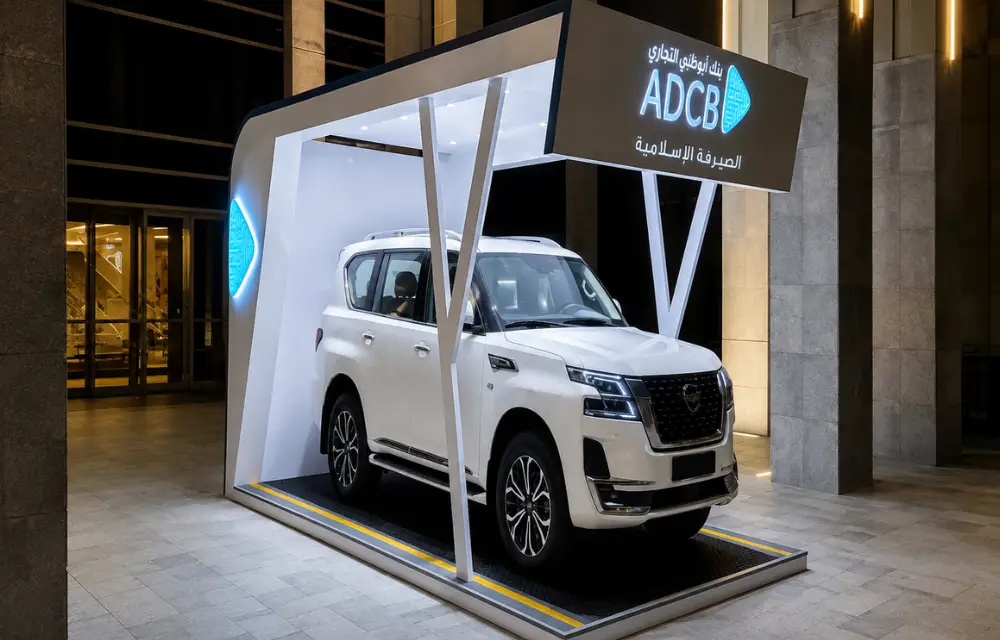
Choose the use case before the hardware
Define the task the kiosk must complete and how success will be measured. A wayfinding kiosk needs a clear map and search experience. A visitor-management kiosk may require ID capture, badge printing and integration with access control. A retail kiosk may need catalogue, stock or payment functions.
Document the user journey, required integrations, languages, privacy considerations and staff fallback before selecting a screen or enclosure. This prevents paying for features that do not solve the operational need.
Common applications across the UAE
Interactive kiosks are used in malls, offices, hospitals, hotels, transport environments, showrooms and government or education facilities.
- Wayfinding and digital directories
- Visitor registration and queue management
- Product browsing and assisted selling
- Self-ordering, ticketing or payment
- Check-in and appointment confirmation
- Feedback collection and customer surveys
- Interactive brand or property presentations
Compare hardware for the installation environment
Screen size, touch technology, processor, ventilation, speaker, camera, printer, scanner and payment devices should match the application. High-traffic locations may require stronger enclosures, secured access panels and easily replaceable components.
Outdoor units require a purpose-designed enclosure, suitable ingress protection, readable brightness, anti-glare treatment and thermal management. Dubai heat and direct sunlight can damage equipment that was intended only for indoor use. Ask the supplier for a clear environmental specification and service-access plan.
Evaluate software, security and content management
The software determines how easily teams can update content, monitor devices and recover from faults. Useful capabilities may include remote publishing, scheduling, user permissions, health monitoring, offline operation and automatic restart.
If the kiosk collects personal or payment data, involve the organisation’s IT and compliance teams. Confirm encryption, data retention, network security, software update responsibilities and how the kiosk is locked down to prevent unauthorised browsing. These requirements should be defined before deployment, not added after launch.
Related Blog –What Makes Kiosk Solutions Cost-Effective for Businesses?
Plan placement and accessibility
Study actual foot traffic and decision points. Entrances, lift lobbies, reception areas and major intersections often work better than isolated corners. Check glare, queuing space, power, data connectivity, camera privacy and whether the screen blocks circulation.
The interface and physical installation should be usable by the intended audience. Consider reach range, viewing angle, text size, contrast, language options and audio alternatives. Accessibility requirements can vary by project, so confirm the relevant standards with the client, consultant or authority.
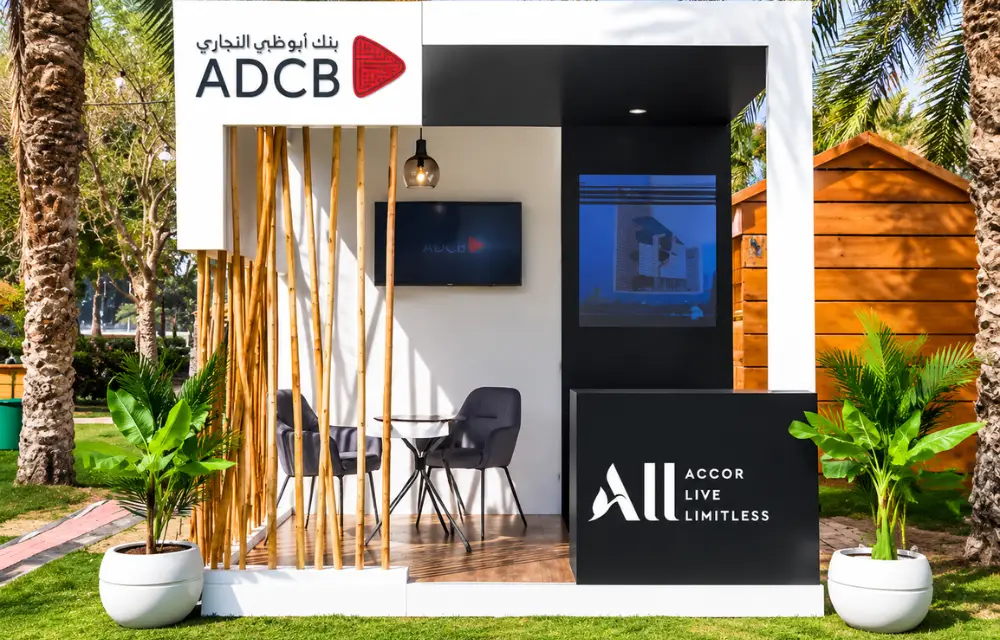
Pilot, measure and maintain
For complex deployments, start with a pilot. Track completion rate, average interaction time, common errors, staff interventions and downtime. Observed behaviour often reveals improvements that are not obvious in a design presentation.
A3 Sign UAE can help coordinate kiosk enclosure design, branding, fabrication, installation and display integration. For software-heavy projects, define ownership of the application, content and IT support so every issue has a clear point of responsibility.
Frequently asked questions
What is the difference between a digital sign and a digital kiosk?
A digital sign usually displays content with little or no interaction. A kiosk is designed for user input through touch, scanning, payment or other devices.
Can a digital kiosk be installed outdoors in Dubai?
Yes, but it should be engineered for outdoor brightness, weather exposure, dust and thermal management. An indoor kiosk should not be repurposed outdoors without a suitable specification.
Do kiosks require an internet connection?
It depends on the application. Some can run cached content offline, while payments, live directories or central reporting may require a secure network connection.
Who updates kiosk content?
That should be agreed before launch. The client may use a content management system, while a supplier or software partner may provide managed updates and monitoring.
Request a signage consultation
Planning a signage, display or branding project in the UAE? Contact A3 Sign UAE with your site location, photographs, approximate dimensions, logo artwork and target completion date. The team can review the requirement and recommend an appropriate next step. Visit www.a3signuae.com or email getquote@a3uae.com.