Introduction
Customers today expect fast, self-service options wherever they go, from checking in at a hotel to browsing a product catalogue at a mall. Interactive kiosks meet that expectation, combining a digital screen with intuitive software to deliver information, transactions, or wayfinding without staff assistance. Finding the right digital signage kiosk supplier in Dubai means finding a partner who understands both the hardware and the customer experience it needs to support.
A3 Sign UAE designs and supplies kiosk solutions built for the pace and expectations of the UAE market, from retail environments to corporate offices.
What Is a Digital Signage Kiosk?
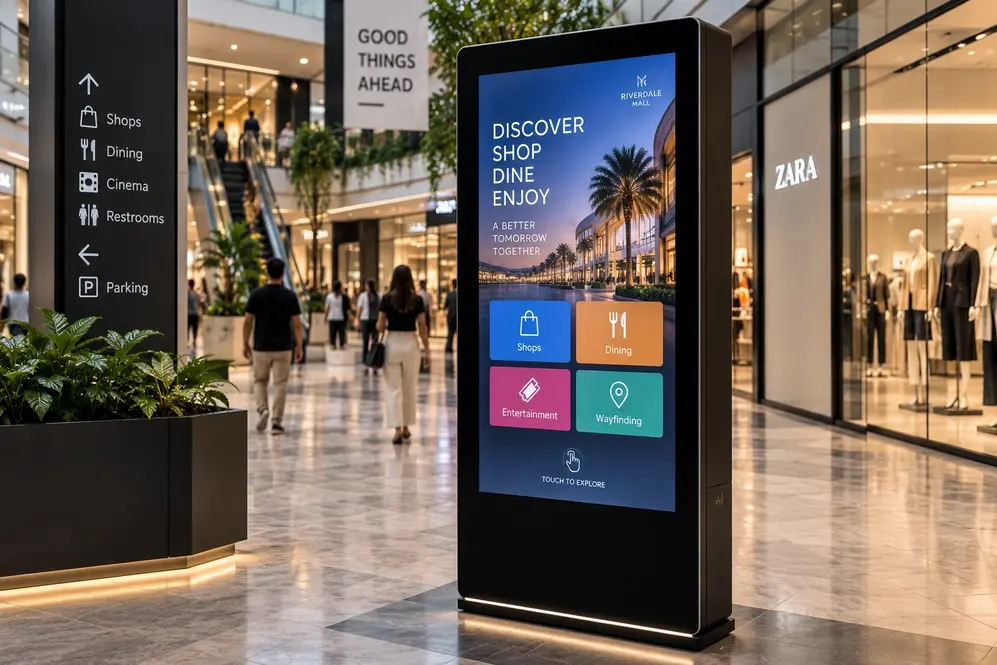
A digital signage kiosk is a freestanding or wall-mounted unit that combines a touchscreen or display with content management software. Unlike a simple digital screen, a kiosk is often interactive, allowing users to browse menus, search for information, complete transactions, or find their way around a large facility. The best digital signage kiosk supplier in Dubai will offer both the physical hardware and the software needed to make these interactions smooth and reliable.
Common Types of Kiosks
Businesses across Dubai use several different kiosk formats depending on their needs.
- Information kiosks provide details about products, services, or facility directories, commonly seen in malls, hospitals, and corporate lobbies.
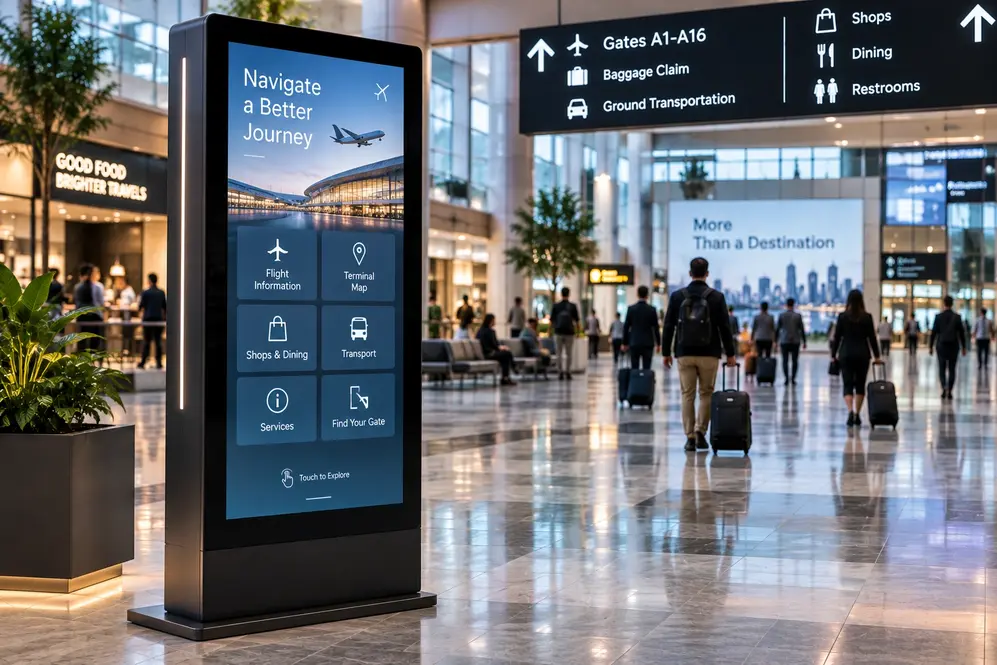
- Wayfinding kiosks help visitors navigate large or complex spaces, such as airports, hospitals, and shopping centres.
- Self-service transaction kiosks allow customers to place orders, check in, or complete payments without waiting in line.
- Queue and check-in kiosks speed up service in banks, clinics, and government offices by managing customer flow efficiently.
- Interactive directory kiosks combine a searchable map with step-by-step directions, useful in large retail and mixed-use developments.
Industries Benefiting Most from Kiosks
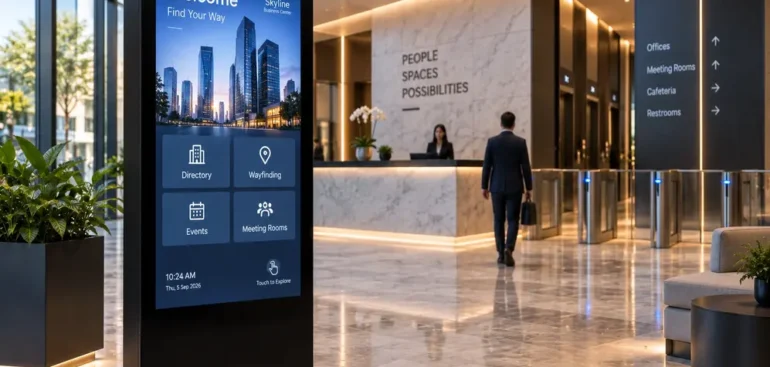
Retail businesses use kiosks to showcase full product catalogues even when shelf space is limited, helping customers browse options that may not be physically in-store. Hospitality businesses use kiosks for self-check-in and check-out, reducing front-desk wait times. Healthcare facilities rely on kiosks for patient registration and wayfinding, easing pressure on reception staff. Corporate offices use kiosks for visitor management and meeting room bookings, creating a more professional and efficient front-of-house experience.
A digital signage kiosk supplier in Dubai with experience across these sectors will understand the specific software and design requirements each environment demands, rather than applying a generic template to every project.
Choosing the Right Kiosk Hardware
Not every kiosk needs the same specifications. Factors to consider include screen size, touch sensitivity, durability of the housing material, and whether the unit needs to operate outdoors or in high-traffic indoor areas. Kiosks placed in public spaces should also be built with anti-vandal and weather-resistant features where relevant.
The best digital signage kiosk supplier in Dubai will assess your specific location and usage pattern before recommending hardware, rather than offering a generic solution regardless of context. For example, a kiosk placed near an entrance exposed to dust and heat needs a very different build than one placed inside an air-conditioned lobby.
Software and Content Management
The software behind a kiosk determines how easily you can update content, monitor performance, and integrate the kiosk with other business systems. Look for a supplier who offers a straightforward content management platform, remote update capability, and reporting on how customers are using the kiosk. This data can be valuable for understanding customer behaviour and improving the overall experience over time.
Planning Your Kiosk Rollout
If you are deploying kiosks across multiple locations, plan for consistency in both hardware and software from the start. Mismatched systems across branches make maintenance harder and create an inconsistent brand experience for customers who visit more than one location. A good supplier will help you standardize your rollout while still allowing flexibility for location-specific needs.
Consider also how the kiosk fits into your wider customer journey. A kiosk that duplicates what staff already do well adds little value, while one that fills a genuine gap, such as after-hours information or overflow support during busy periods, tends to deliver a much stronger return on investment.
Related blog – Smart Digital Kiosk Solutions in Dubai for Growing Businesses
Budgeting for a Kiosk Project
Kiosk pricing varies widely depending on screen size, touch technology, housing material, and software complexity. It helps to think beyond the upfront hardware cost and factor in ongoing software licensing, occasional maintenance, and eventual hardware refresh cycles. A digital signage kiosk supplier in Dubai who is upfront about these long-term costs, rather than only quoting the initial purchase price, makes budgeting far more predictable for your business.
Conclusion
A well-chosen kiosk does more than display information — it improves customer experience, reduces staff workload, and reflects positively on your brand. Partnering with an experienced digital signage kiosk supplier in Dubai like A3 Sign UAE ensures your kiosk solution is built around the real needs of your business and your customers, backed by reliable hardware and easy-to-manage software.